To complete the copy follow the procedure as indicated
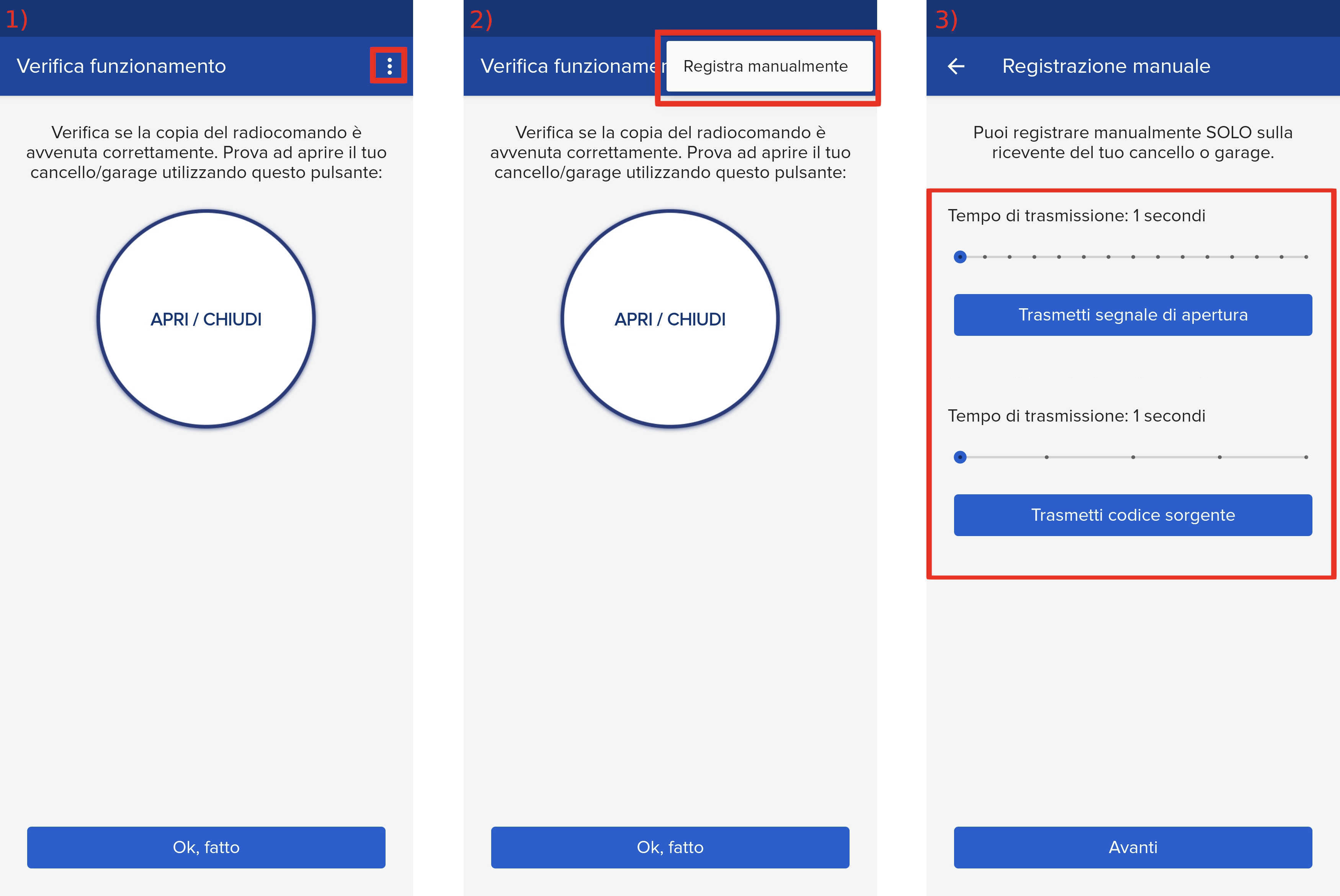
- Start copying until you reach the "Check Operation" screen.
- Press the menu button at the top right to enter manual recording as shown in the image below
- Move the slider below 4 seconds.
- Press PRG until the digits read "00".
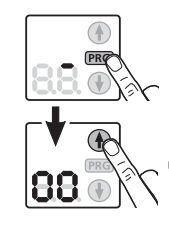
- Use the arrows to find menu "11".
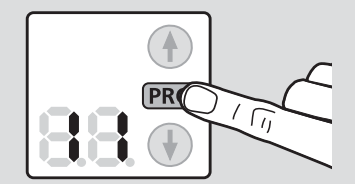
- Press the PRG button until the number "11" in the menu flashes.
- Bring the SOLO close to the control unit (less than 5 cm) and press "Transmit source code".
- The control unit will confirm registration by flashing and displaying "11."
- Press PRG and the number 11 will remain fixed.
- Press the down arrow twice until you reach the number "00"
- Press PRG.
- On the 1Control app, press "Next" and press the round "Open/Close" button.